bookgeıst
English
EnglishEspañol
bookgeist.art

Inside Bookgeist

Start with what you can do in Classic. Then explore the tools Studio and Lifetime add.

App screenshots. Theme and layout may vary with your settings and app version.

Classic

Classic features

Your library, notebook and reading history. This is Bookgeist’s free tier, also included in Studio and Lifetime.

Library & collections

  • Unlimited books & sessions
  • CollectionsUnlimited
  • Smart collections
  • Collection customization
  • Favorites · Wishlist · Recommended
  • Advanced collection view
  • Book viewAdvanced
  • Status filters
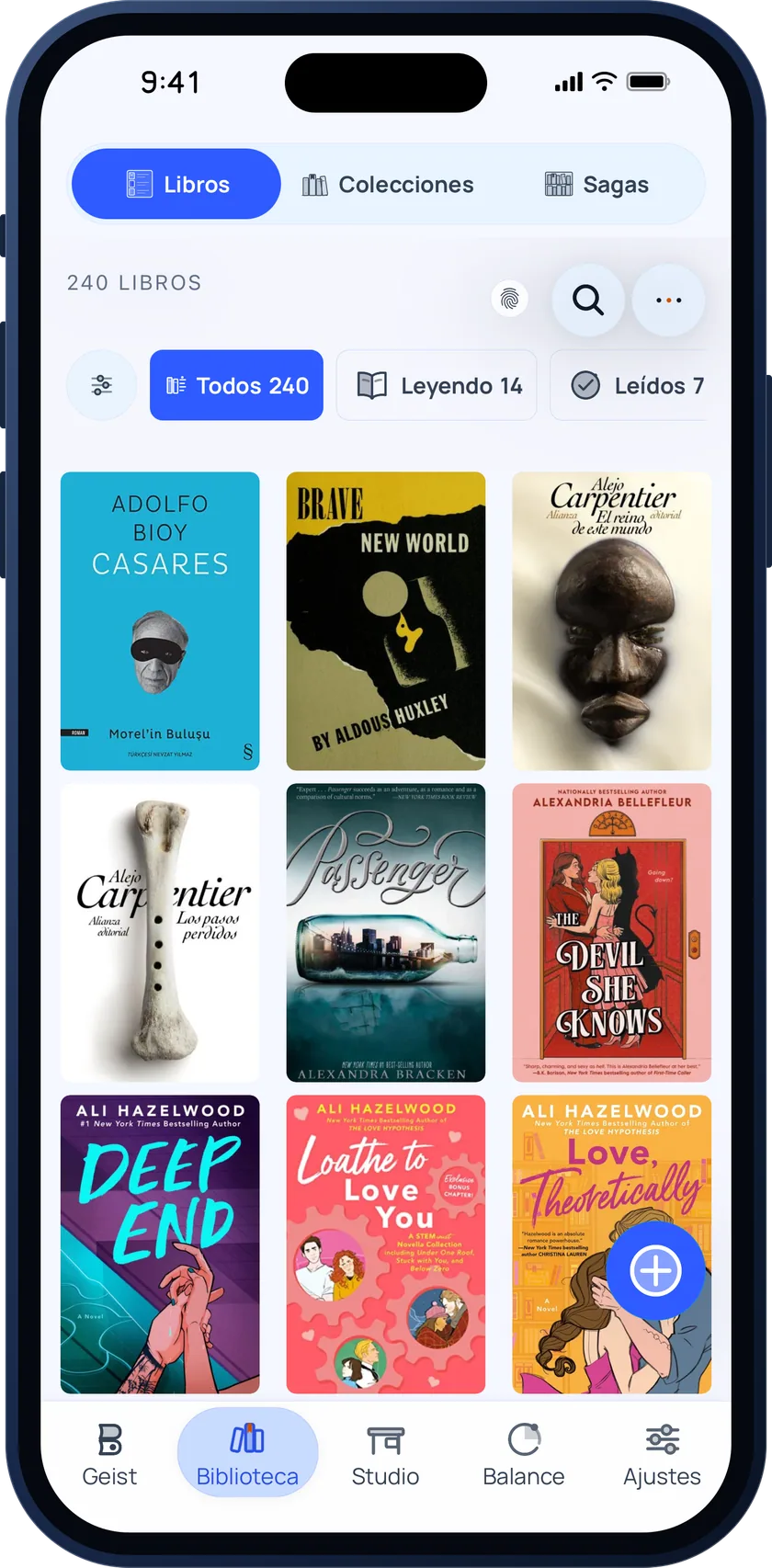
Bookgeist library grid with 240 book covers and filters for all, reading and read

Unlimited books & sessions

Reading & sessions

  • Session timer
  • Alternate active session
  • Time goals & countdown
  • Left wing: Journal
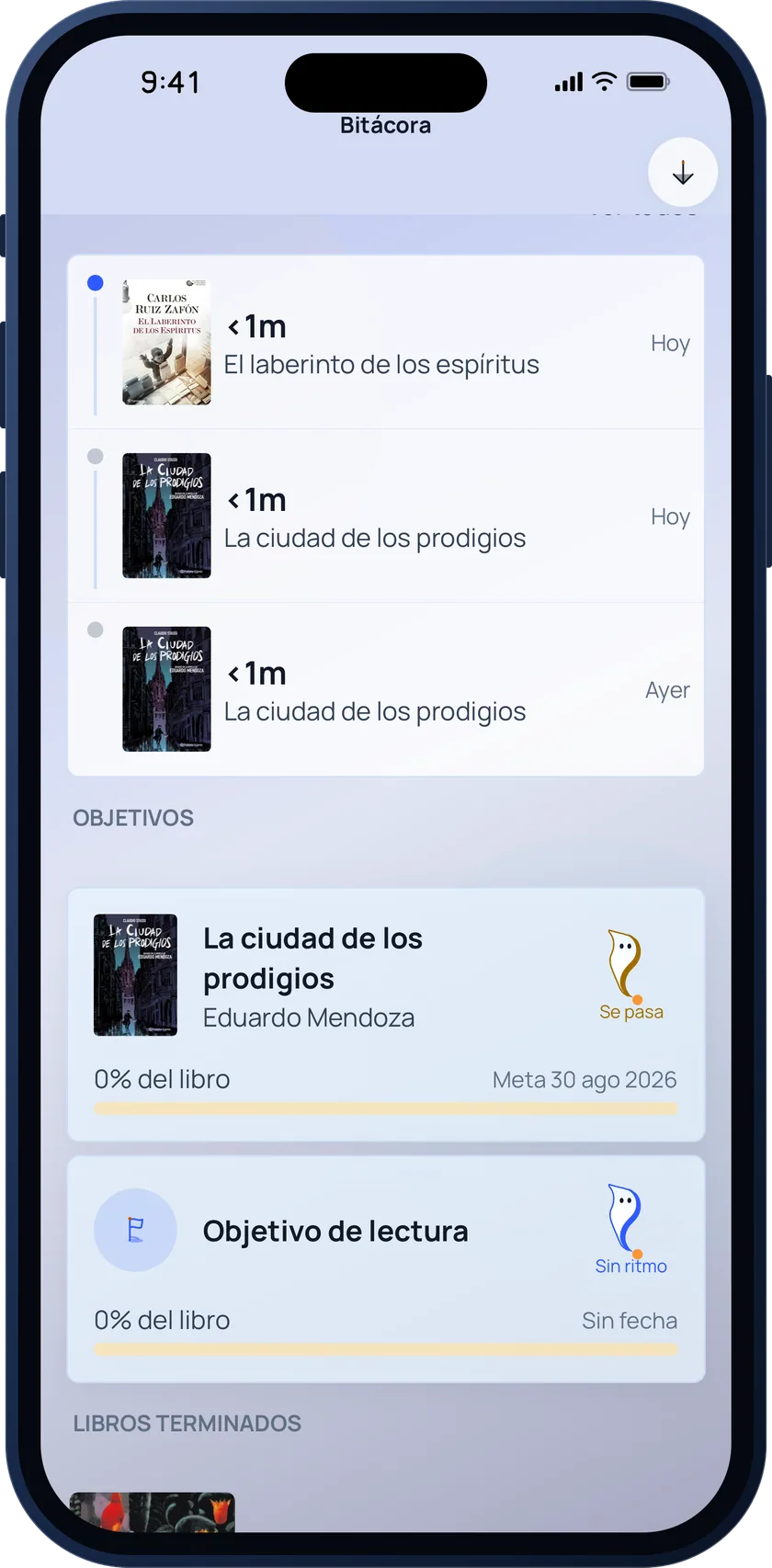
Bookgeist reading log with the latest sessions per book and the active reading goals

Left wing: Journal

Notebook

  • Simple notes notebook
  • Characters, places and connections
  • Attachments & voice notes
  • Management dashboard
  • Attachments per elementUp to 2

Home & personalization

  • Home hero designs1
  • Home styleCinematic
  • Themes4
  • TypefacesTheme-matched
  • Active session customizationPartial

Desk & management

  • Central tab: Desk
  • Panel within Desk
  • Favorite authors ranking
  • Favorite quotes
  • Yearly favorite books ranking
  • Purchases, stores & loans
  • Monthly & yearly planning
  • Right wing: yearly shelf

Insights & goals

  • InsightsExtended
  • Custom on-device goals and reading plans

Export & social

  • Basic card export
  • Markdown data export
  • Print shop: card editing and export
Lifetime · Studio

Advanced Studio and Lifetime features

Everything you already have in Classic, plus these tools. Both plans share the same advanced local tier: choose a subscription or a one-time purchase.
Library & collections

  • Sagas · Showcase
  • “Grouped” book layout
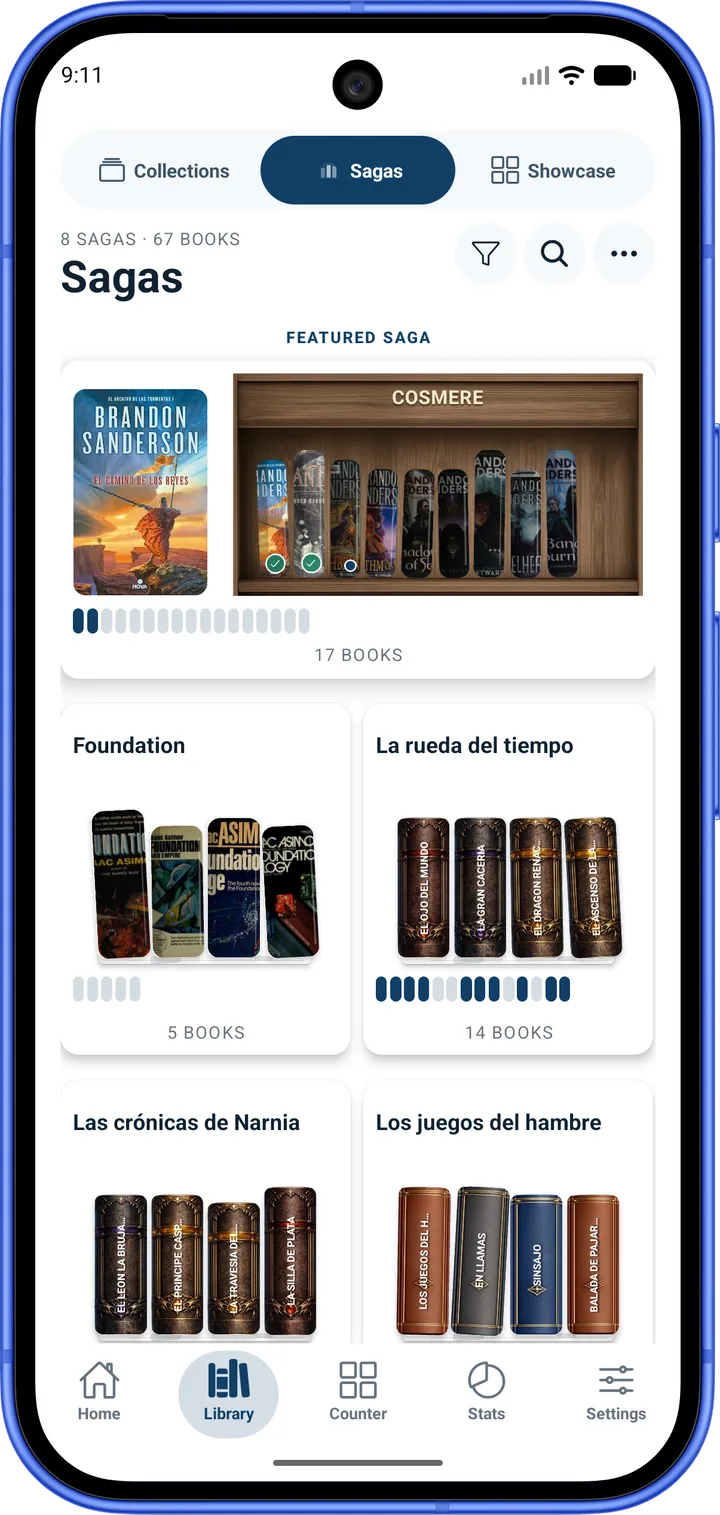
Bookgeist sagas view with a featured saga shelf and the progress of each series

Sagas · Showcase

Reading & sessions

  • Text recognition (OCR) on your device
  • Photo to notes with local OCR

Notebook

  • Notes by chapters & pages
  • Element card view
  • Genealogy
  • Theories, creatures and magic systems
  • Attachments per elementUp to 5

Home & personalization

  • Home hero designs4
  • Home styleAll
  • Alternative Home designs
  • ThemesAll
  • TypefacesAll
  • Active session customizationFull

Desk & management

  • Author archive: notes and documents
  • Book tiers
  • Monthly Wrap-Ups
  • Hall of Fame shelf
  • Alphabetical shelf
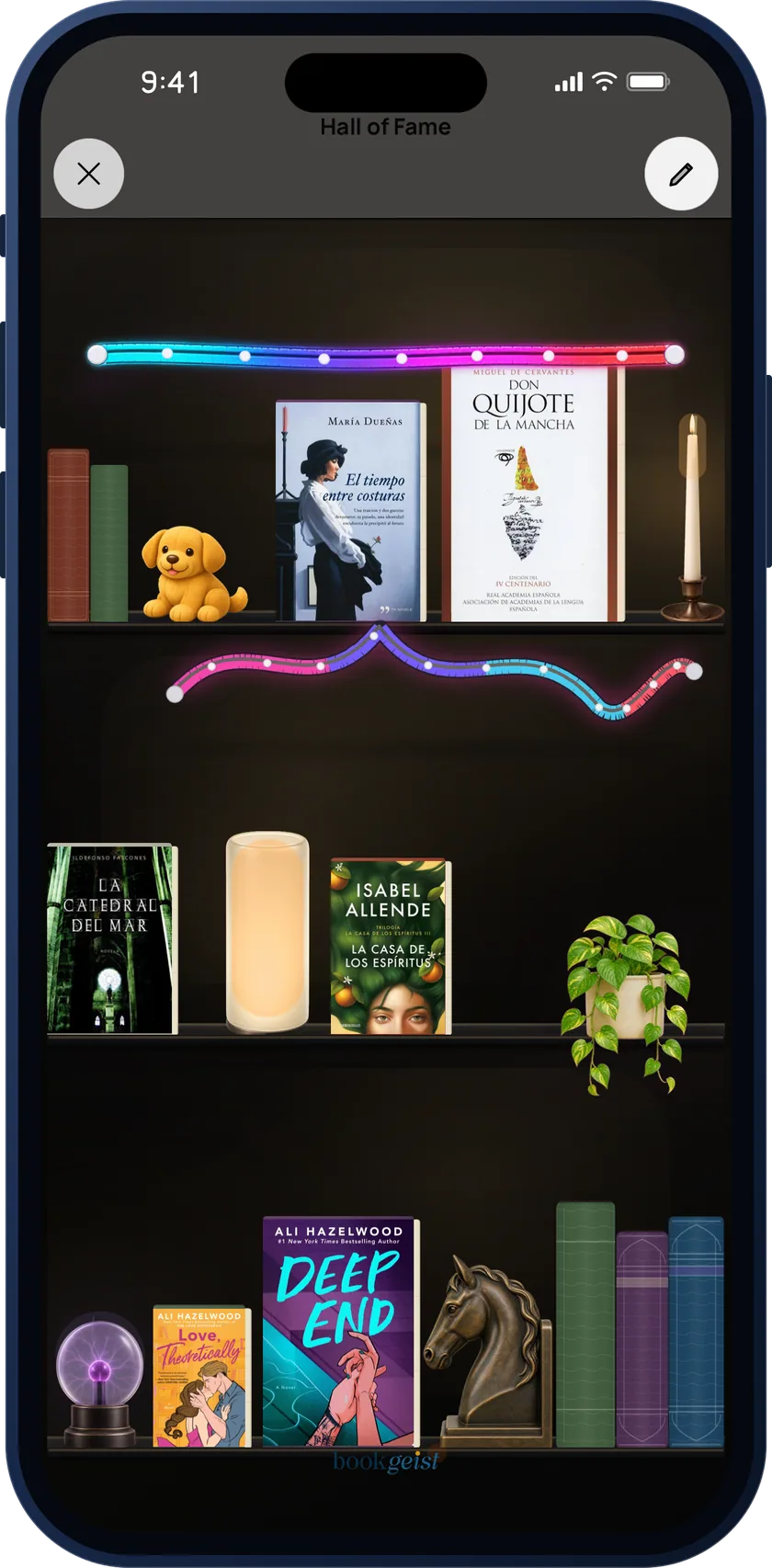
Bookgeist Hall of Fame: a decorated shelf with favourite books, neon lights, a lamp and a plant

Hall of Fame shelf

Insights & goals

  • InsightsFull

Export & social

  • PDF documents

OCR, AI and cloud: what each one needs

Advanced features do not all use the same service. Here is what you need for each one.

Text from a photo, with local OCR
Included in Studio and Lifetime, in the notebook and during a session. Processing stays on the device: no account or Stamps required.
Studio Scan and AI images
Studio and Lifetime can buy and use Stamps. These features need an account, a connection and prior consent to send content to external AI. Only the Studio subscription includes 2 Stamps per month.
Automatic cloud backup
Included in Studio and Lifetime with a Bookgeist account. Lifetime has up to 5 GB, subject to the terms of service.